Payable links
Send an invoice your client can pay online
Every invoice carries a link. They tap it, pay by card or bank transfer, and the status flips itself to paid.
You send
Email or a text with the link.
pay.billypaid.com/inv-0214
They tap Pay
No account, no app, no login.
Pay $3,432.00
It marks itself paid
You get the ping. No reconciling.
Paid · just now
How is this different from emailing a PDF?
A PDF in an inbox
- × They have to go find their bank app
- × You type the BSB and hope
- × You check the account to know
- × Chasing is a manual chore
The same invoice, payable
- ✓ One tap, card or bank transfer
- ✓ Reference attached automatically
- ✓ Status flips to paid by itself
- ✓ Reminders go out without you
How they can pay
Handled by Stripe
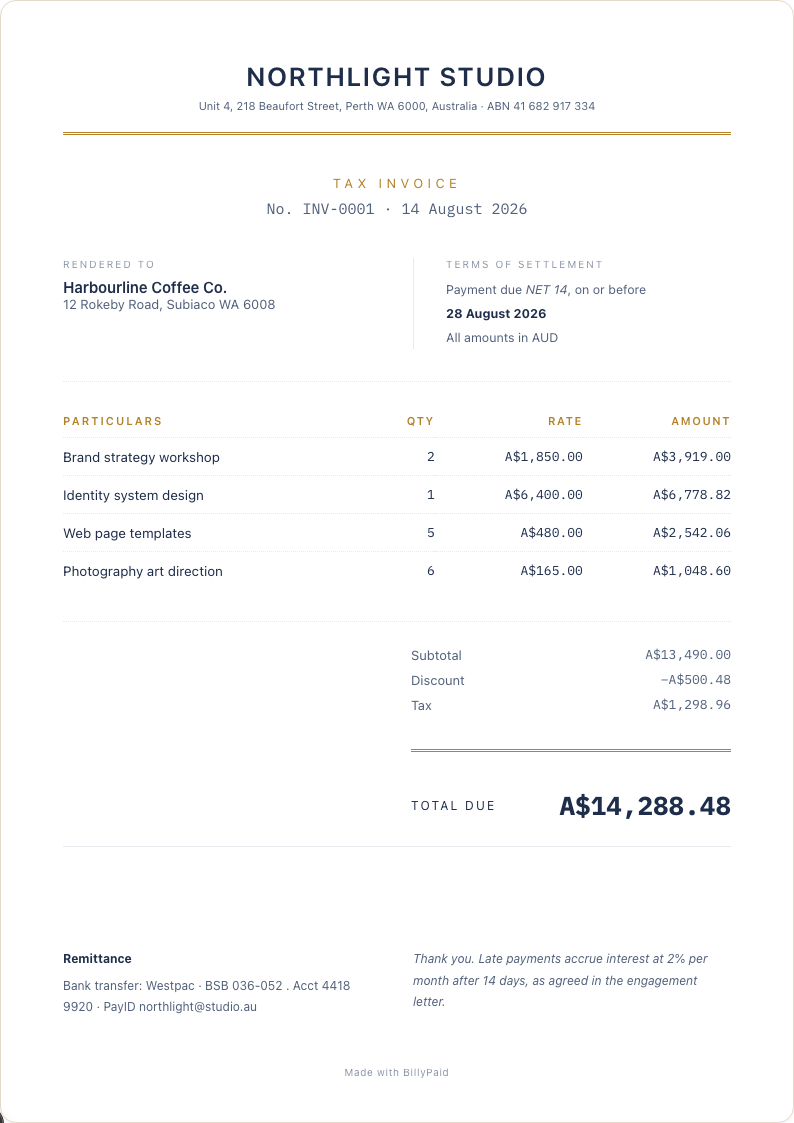
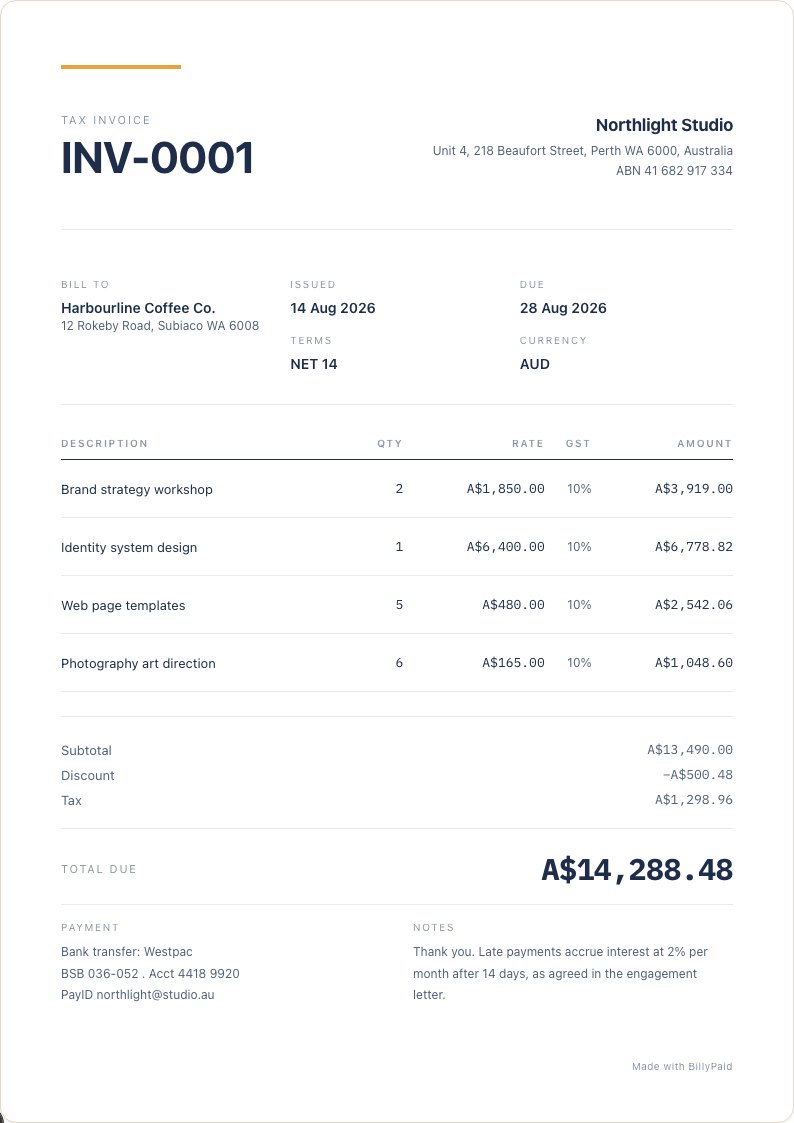
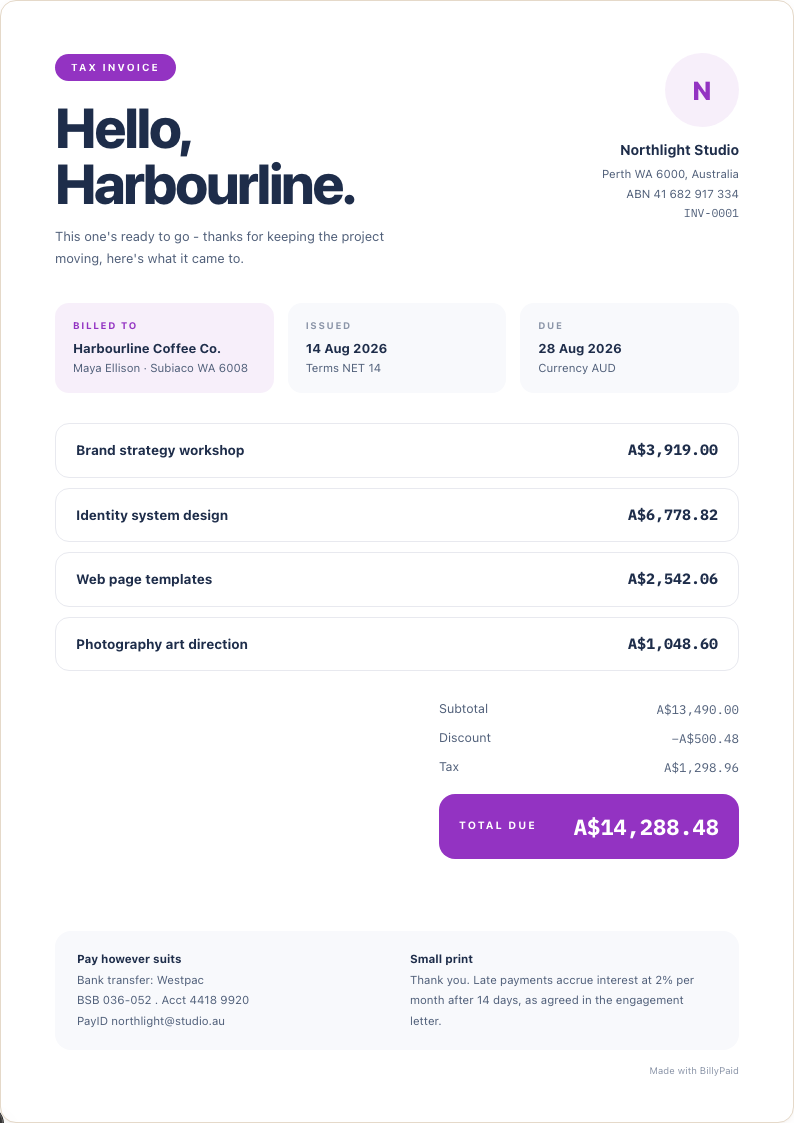
Pick a template, the link comes with it
Browse templates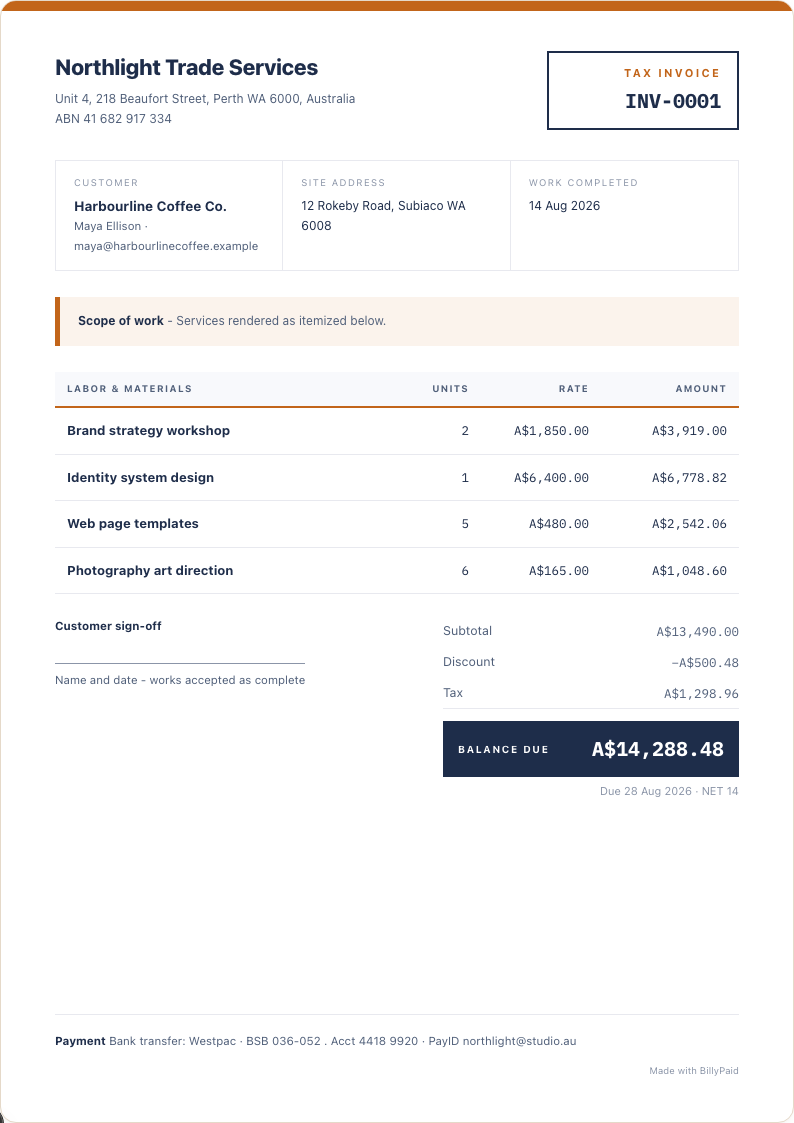
Frequently asked questions
Questions about payable links before you get started?
Can my client pay without creating an account?
Yes. The link opens a hosted payment page with the invoice total already filled in. Your client enters their card or bank details through Stripe and pays in a couple of clicks, no login or account required on their end.
What payment methods work?
Card and bank transfer, processed by Stripe. Both are shown as options on the payment page by default.
Is there a fee?
BillyPaid doesn't take a cut of the payment. Your processor's standard fee applies.
How do I know when it lands?
The invoice marks itself paid and you get a notification, no manual reconciliation.
Send one with a payable link
Free to start. No card.