Milestone payments
Get a deposit up front, then get paid as you hit each milestone
Split a job into 50% up front and 50% before go-live, or any split that suits the work.
4.9 / 512,400+ businesses$41M invoiced this year
Send the plan and your deposit invoice goes out at once, with the payment terms printed on it. Every payment is a normal invoice, with tax from your settings.
Payment plan
Bathroom renovation
- Deposit$2,400 + 10% GST$2,640
- Before go-live$2,400 + 10% GST$2,640
Total inc GST$5,280
How milestone payments work
- 01
Split the job
Pick a preset or drag the handles. Your deposit and each milestone payment always add up to exactly 100%.
- 02
Preview every invoice
The editor shows a live preview of each invoice the plan will create, and it updates as you drag.
- 03
Send it and the deposit goes out
The deposit invoice is issued at once, with your payment terms printed on it. It is a normal BillyPaid invoice with your numbering, tax and payment link.
- 04
Invoice as you hit each milestone
Each later payment becomes its own invoice when its milestone is done, and you track all of it in one place.
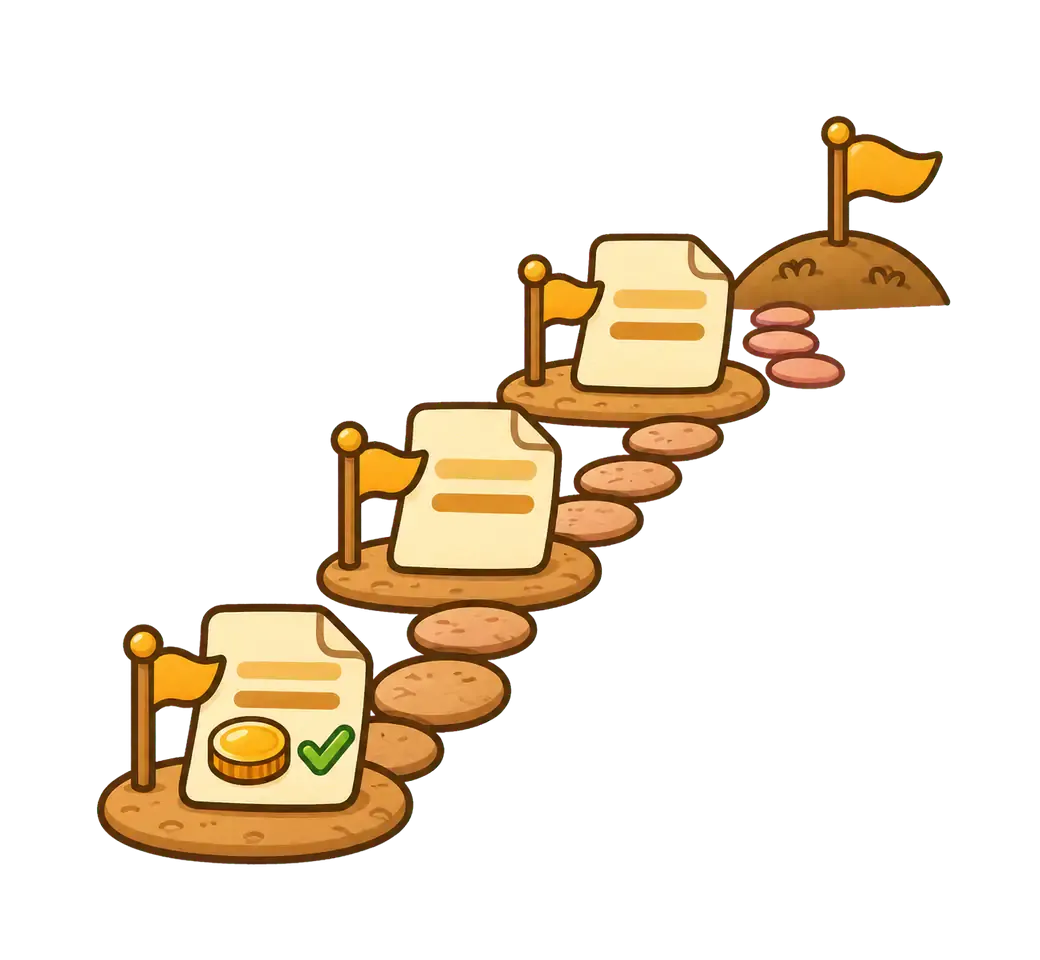
Split the job by dragging, not by doing sums
The builder shows your job as one bar. You drag the handles to set each payment, and BillyPaid keeps the total at exactly 100% to the cent.
- Drag the handles on the split bar and the amounts update as you go.
- Add as many milestones as the job needs, each with its own icon and due rule.
- Start from a preset, or save any split as a preset or as your default.
- Change your default deposit with a slider or a number box. It applies to new plans only.
Presets to start from
These come ready to use. Edit them, delete them or add your own.
50% upfront, 50% before go-live
Half as the deposit, half before the work goes live.
Even split
Four equal payments.
30, 30, 40
A smaller deposit, a bigger final payment.
Front-loaded
Most of the money up front, the rest at the end.
Build the plan in the full-screen invoice editor
A new plan opens in the same full-screen editor you use for invoices, with a live preview next to it. You can style the plan's invoices without touching the rest of your account.
- A live preview of every invoice this plan will create, so you see each one before anything is sent.
- Pick a different invoice template for this plan only.
- Set an accent color, add a note to print on every invoice, or give this plan its own payment instructions. Custom accent colors are part of the paid plans.
- Your account invoice settings stay exactly as they are.
Every invoice this plan will create
- DepositDraft invoice$2,640
- Before go-liveDraft invoice$2,640
Customize invoices for this plan
Template, accent color, a note on every invoice and payment instructions. These apply to this plan only.
Clear terms on every invoice
BillyPaid writes the payment terms from your plan: each payment, its share, its tax and when it falls due. They are printed on the invoices, and the deposit invoice is issued as soon as you send the plan.
Want your client to agree first? Turn on acceptance. It is optional and off by default. When it is on, the deposit invoice waits until your client accepts the terms on their plan page.
The terms are saved on the plan when you send it. If you change the plan later, they stay as they were.
What your client sees when you turn acceptance on
Review and accept the payment terms
Payment terms for Bathroom renovation. The price is $4,800 before GST, in 2 payments.
- 1. Deposit: $2,400 plus $240 GST (50%).
- 2. Before go-live: $2,400 plus $240 GST (50%).
GST at 10% is added to each invoice.
Accept terms
See what is paid at a glance
Pick a plan and the chart shows what has been paid, what is issued and what is still to invoice. Pick nothing and you see the whole picture. Example figures shown.
A plan selected
Bathroom renovation
- Paid$1,200
- Issued, not yet due$1,200
- Still to invoice$2,400
Nothing selected
All plans
- Paid$18,400
- Issued, not yet due$6,200
- Overdue$2,100
- Still to invoice$9,300
- Invoices paid on time
- 92%
- Next 14 days expected
- $6,200
Your client gets a plan page too, with their own progress chart, the payment terms, a Pay now button and the option to pay the rest early.
Every payment is a normal BillyPaid invoice
Nothing new to learn and nothing separate to keep track of. Milestone invoices use the invoicing you already have.
Numbering, PDF and tax
Each one is numbered like any other invoice, with a PDF and tax from your account's tax settings (GST at 10% in this example, none if you are not registered).
A payable link
Your client pays online, the same way as every other BillyPaid invoice.
Still under Invoices
A chip on each one links back to its plan, so you can jump from an invoice to the whole job.
Working in Australia? See how to invoice with GST, try the Invoice Generator, or read about invoicing for tradies. Compare plans on the pricing page.
Frequently asked questions
Questions about milestone payments before you get started?
What are milestone payments?
You split one job into a deposit and one or more milestone payments instead of a single invoice at the end. Each payment is issued as its own BillyPaid invoice, and the plan keeps them all together so you can see what has been paid and what is still to invoice.
Can I change the 50% upfront deposit?
Yes. Your default deposit starts at 50%, and you can change it with a slider or a number box. It applies to new plans only, so plans you already have do not change. You can also set the split for a single plan by dragging the handles.
Does my client have to accept the terms first?
Only if you want them to. Acceptance is optional and off by default. Without it, the deposit invoice is issued as soon as you send the plan, with the payment terms printed on it. If you turn acceptance on in your milestone defaults, the deposit invoice waits until your client accepts the terms on their plan page. Either way, the terms are saved when you send the plan, so editing the plan later does not change them.
Which tax does a milestone invoice use?
Whatever your account settings say. If you are registered for tax, each invoice uses your tax name and default rate (GST at 10% in Australia). If you are not registered, no tax is added. You can change this under your tax settings, and new invoices follow it.
Can I change how the invoices look for one plan?
Yes. A new plan opens in the full-screen invoice editor, where you can pick a template, set an accent color on the paid plans, add a note and set payment instructions. These choices apply to this plan only and to every invoice it creates. Your account invoice settings do not change.
Is each milestone payment a real invoice?
Yes. Each one is a normal BillyPaid invoice with the same numbering, PDF and payment link as any other, and tax added from your account's tax settings (GST at 10% in Australia, none if you are not registered). They all still show under Invoices, with a link back to the plan that created them.
How many milestones and payments can I have?
You choose how many milestones and how many payments each plan has, and you can set your own defaults for new plans. Presets, including the 50% upfront and 50% before go-live split, can be edited or deleted.
What does my client see?
A plan page with a progress chart, the payment terms, a Pay now button for the payment that is due, and a Pay the rest early option. If you turned acceptance on, they also get an Accept terms button there.
How do I track progress?
Pick a plan and a chart shows how much has been paid, how much is issued and what is still to invoice. With nothing picked, you see overall figures: paid, issued, overdue, still to invoice, your on-time rate and what you expect in the next 14 days.

Ask for the deposit before the work starts
Free to start. No card.